 DPP Knowledge Base
 DPP Manager: create and manage passports on your own computer
A free application for economic operators. Describe products, issue passports, keep them at a custodian of your choice and decide who reads what – with your keys and data in one encrypted file on your own machine.
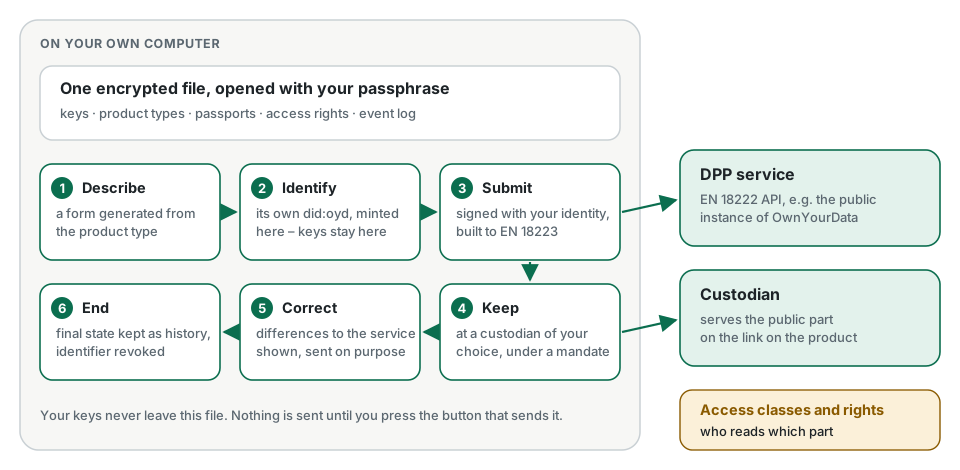
In short
- The DPP Manager is a graphical application for the company that has to publish passports – no command line, no account, no licence fee.
- It runs on your own computer. Everything it knows – keys, products, passports, the event log – sits in one encrypted file in a folder you choose.
- It takes a passport through its whole life: describe, identify, submit, keep at a custodian, correct, end.
- It also sets who may read which part of a passport, and signs access rights for repair shops and recyclers.
- It is open source under the Apache 2.0 licence.
Why it runs on your computer
A passport is signed with keys, and whoever holds the keys controls what the passport says. The DPP Manager therefore creates your identity and every passport’s identifier on your own machine, and the private keys never leave the encrypted file.
The application talks to a DPP service over the standard API of EN 18222. It sends nothing until you press the button that sends it. If you change service or custodian later, your keys, your history and your drafts come with you – they were never anywhere else.
Getting started
The DPP Manager is delivered as a container image, oydeu/dpp-manager. With a container program installed, three lines in a terminal start it:
mkdir -p ~/Documents/dpp-manager && cd ~/Documents/dpp-manager
curl -fsSLO https://raw.githubusercontent.com/OwnYourData/dpp-manager-public/main/docker-compose.yml
docker compose up -d
Docker Desktop users can also do it without a terminal: search for oydeu/dpp-manager, press Run, choose a folder for the data. The installation guide walks through both routes and says which container programs are free for which companies.
Then open http://localhost:3000. On the first start you choose a passphrase.
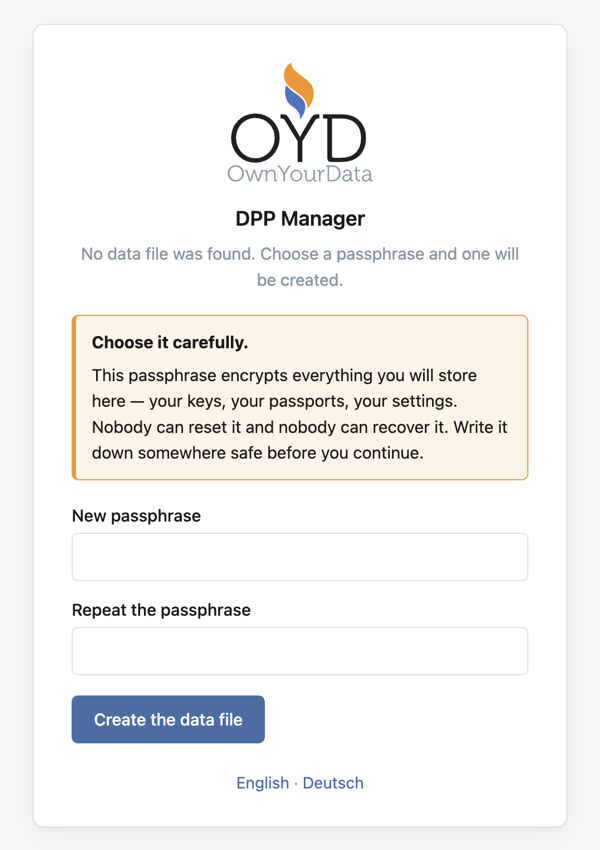
A short setup follows: which DPP service to write to, an identity of your own, and where your passports should be kept. Each screen explains itself, in English or German. Getting started: your first passport walks through all of it with screenshots, up to a published passport.
Product types instead of blank forms
What a passport contains depends on the product. The DPP Manager describes each kind of product as a product type – a data model in SOyA, with its fields, labels in several languages, validation rules and the transformation into the passport format of EN 18223.
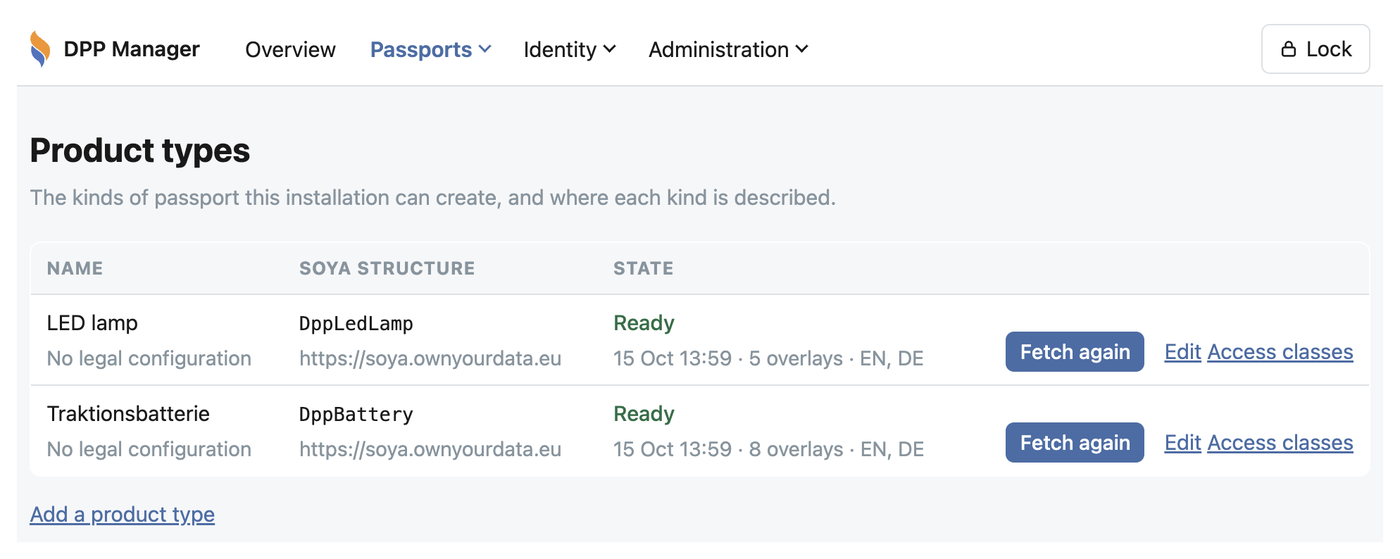
A product type is fetched once and kept in the data file. From then on the form, the checks and the transformation work without a network. The answers can also come from a JSON file – read in the browser, never uploaded – when the data already exists in another system.
From draft to published passport
- Describe. Fill in the form of the product type. A draft is saved even when it is incomplete; what is missing is shown, not enforced.
- Identify. The passport gets an identifier of its own – a
did:oydminted on your machine, pointing to where the passport will be readable. - Submit. The DPP Manager builds the passport as defined in EN 18223, signs the request with your identity and sends it to the DPP service.
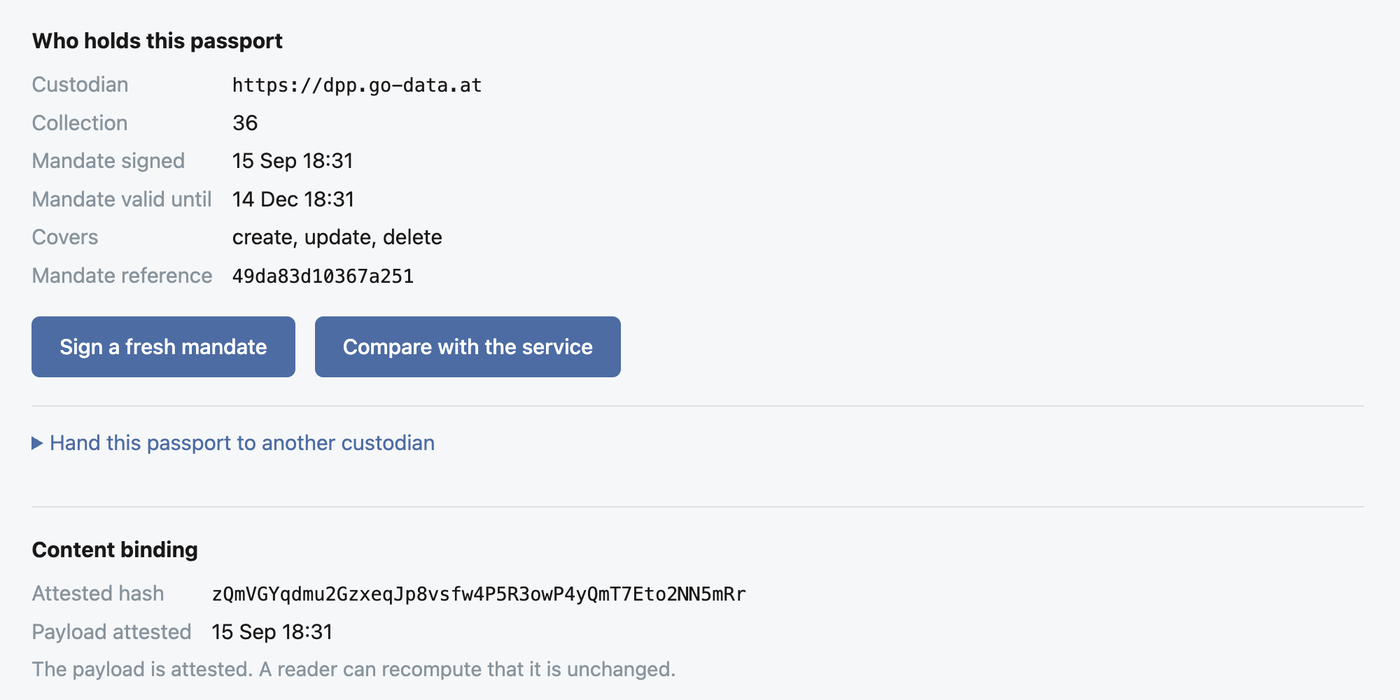
- Keep. The passport is held by a custodian of your choice, under a mandate: one signed statement naming one passport, one storage place and a lifetime. It can be renewed in a click and revoked without asking anybody.
- Correct. A submitted passport stays editable. The difference between your version and the one the service holds is shown, and sending the correction is a deliberate act of its own.
- End. At the end of the product’s life the service stops serving the passport and keeps its final state as history; the identifier is then revoked with the keys only you hold.
After every submission and correction, the DPP Manager writes a hash of the published content into the passport’s identifier, signed with the passport’s own key. Anyone can check later that the passport has not been changed – see Public availability.
Deciding who reads what
By default, every field of a passport is public. Two pages change that when you want them to:
- Access classes – per product type, each field is set to public, legitimate interest or authorities. The product type can suggest a starting point.
- Access rights – you grant a reader with a legitimate interest, such as a repair shop, access to some or all of your passports for at most a year. Revoking ends it at once.
How the DPP Service enforces this, and what each reader gets, is explained in Role-based access to passport data.
Everything on record
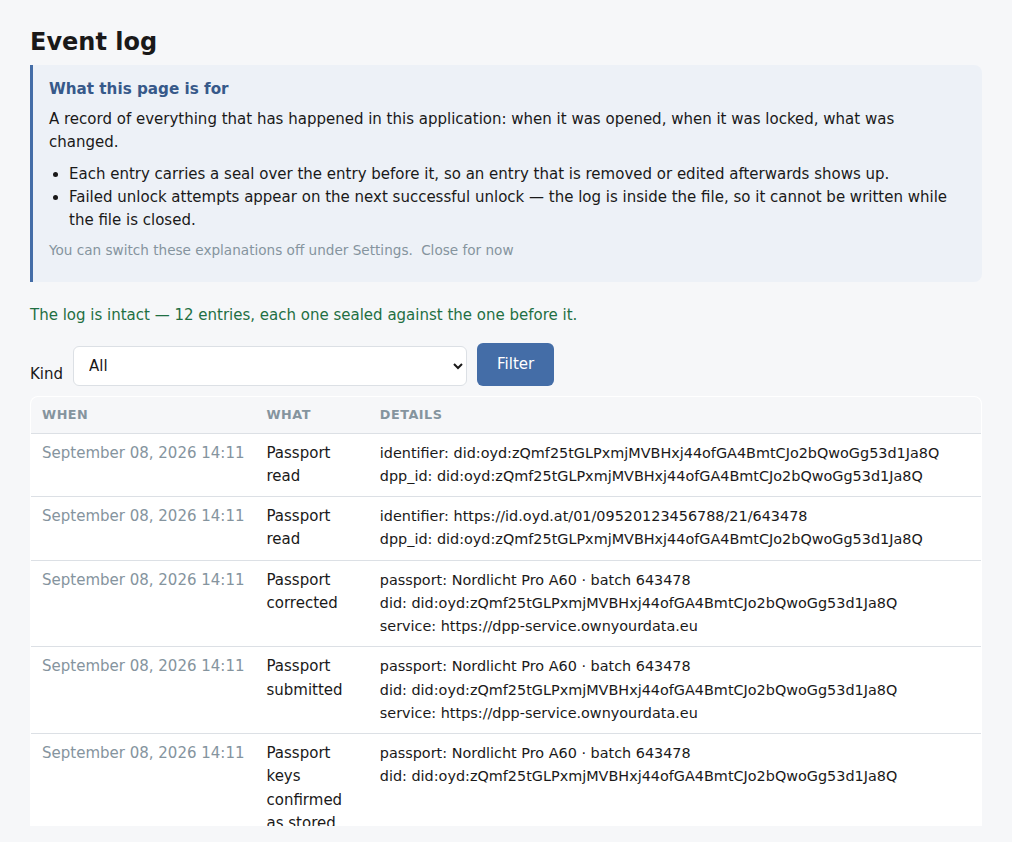
Every action – opening the file, submitting, correcting, reading, ending – is entered in an event log inside the data file. Each entry is sealed against the one before it, so an entry that is removed or changed afterwards shows up.
Backing up is copying one file. Administration → Data file → Create a backup copy writes a consistent copy while the application is running; moving that file to another computer and opening it with the same passphrase moves your work.
What it does not do yet
The DPP Manager is built for one person acting for one economic operator. Roles – several people acting for the same operator with different permissions – are planned.
Install it in a few minutes
Any program that runs containers will do – Docker Desktop, Podman Desktop or Rancher Desktop. No account, no licence key.
Further reading
- DPP Manager walkthroughone passport from first start to the end of its life
- oydeu/dpp-manager on Docker Hubthe container image
- SOyAthe data models behind the product types
Related articles
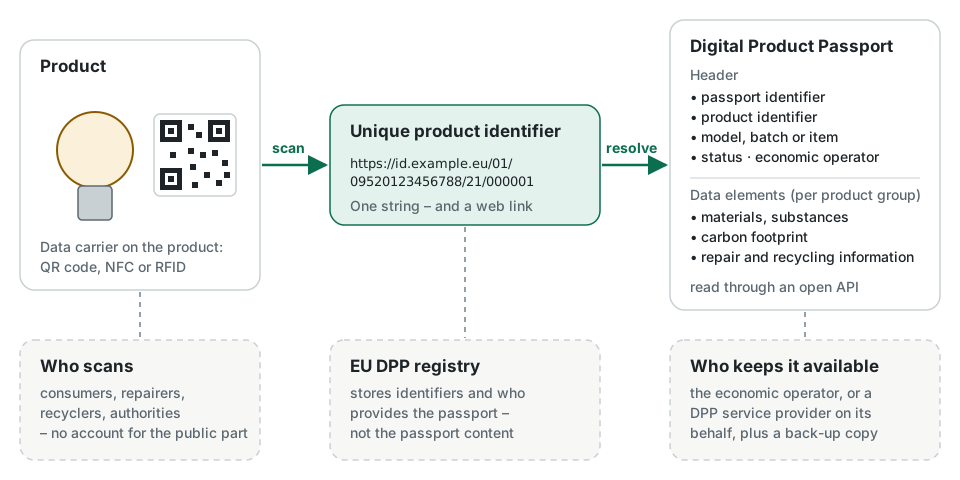
What is a Digital Product Passport?
A digital record that travels with a product, reachable by scanning the product itself. What the EU requires, what a passport contains, who reads it and when it becomes mandatory.
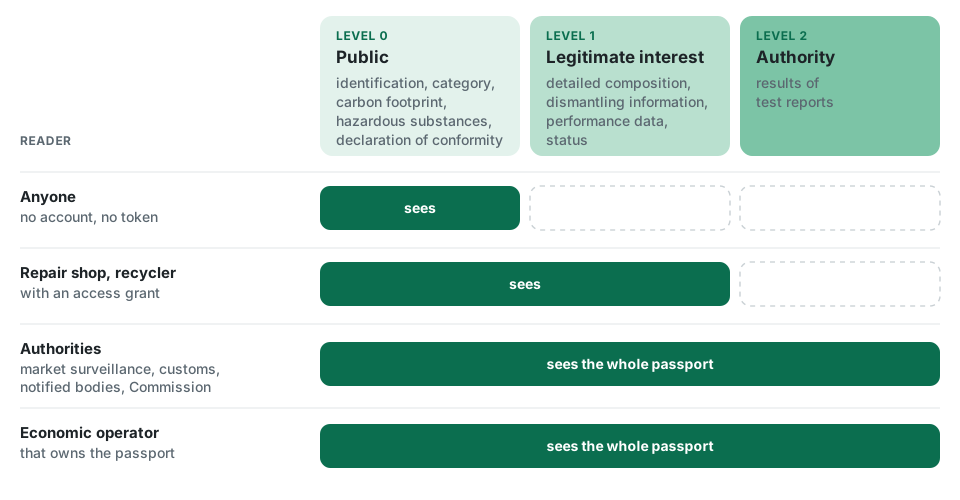
Role-based access to passport data
Not every field of a passport is for everyone. How the DPP Service classifies passport data, who may read what, how access is granted and revoked, and how every access is logged.
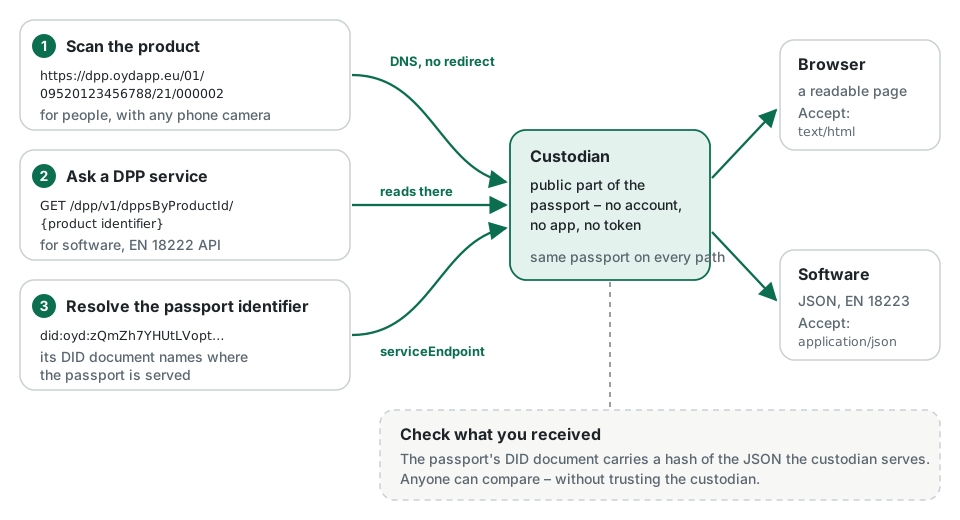
Public availability: from QR code to passport
How anyone gets from the code on a product to its passport – without an account or an app – why the link on the product never has to change, and how a reader can check that the data is genuine.